
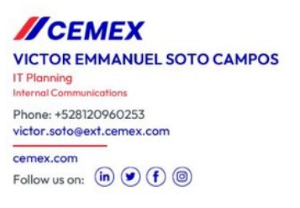
With the launch of our new brand logo last week, we are all encouraged to now update our email signatures to include the new logo. You can do this by following this link Update your Electronic Signature in Outlook (sharepoint.com)
For colleagues who previously had the T&Cs message/link as part of your email signature, you can manually add this to your new email signature once you have updated it.
Please follow the instructions below to manually add the T&Cs sentence and link to your new email signature.
- Update signature with new logo and formatting using link above
- After successfully completing step 1, open Outlook, click > File > Options > Mail > Signatures
- Where you can see your new signature, copy and paste the T&Cs statement, underneath your new signature
- Click OK
Furthermore, when using Cemex headed paper showing the new branding please ensure that all company information shown is correct and complete as this is a legal requirement, and the details vary for each Cemex entity. Please contact Alice Powell [email protected] or Vish Puri [email protected] in the Legal department who can check the headed paper you are using and answer any questions.