
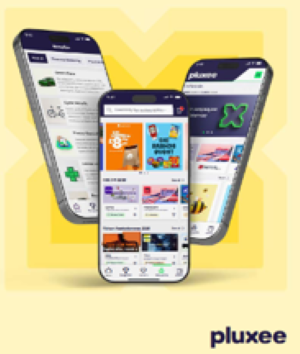
If you have downloaded the new Pluxee UK App now is the time to set your notifications so that they work for you. Push notifications help you stay informed and boost engagement by letting you know when you’ve been recognised and sent an e-card.
How to enable notifications:
- Go to Account
- Select Notifications
- Toggle notifications On
That’s it! You’ll now receive notifications whenever you’ve been recognised.
Want to find out more about using the Pluxee App? Check out the recording of the webinar with Tom from Pluxee HERE.
Watch his live demo as he explains:
- How the Pluxee marketplace discounts and wider benefits come together in one easy-to-use app.
- How to find hundreds of places to save and make your money go further.
- How to use the colleague recognition feature.